Manual Estimates Hide Suicide Bids & Bloated Costs. We Flag Them
Wondering if your BOQ is unviable, overpriced, or realistic? Digy cross-checks your data with live market prices & drawings to deliver a forensic audit, both at a high level and on a granular, line-by-line basis, complete with a material schedule.
Try Digy Free
Reviewing a BOQ often leaves a feeling of helplessness. The total budget feels off: either suspiciously cheap or bloated,but proving it is tough.
These massive documents are packed with abstract terms, outdated rates, miscalculated quantities, and sneaky duplicate items.
Digy eliminates opacity with an independent forensic audit, cross-referencing submitted numbers against drawings and live market rates.
We decompose every BOQ item into transparent schedules and audit every single line down to the last nail, ensuring your budget is accurate, defensible, and protected against risk.
Review your BOQ for viability
%20copy.png)

Save hours with an auto-generated draft list
Simply drag-and-drop your building plans. Digy analyzes them to instantly generate your initial material list, saving you significant time & effort.
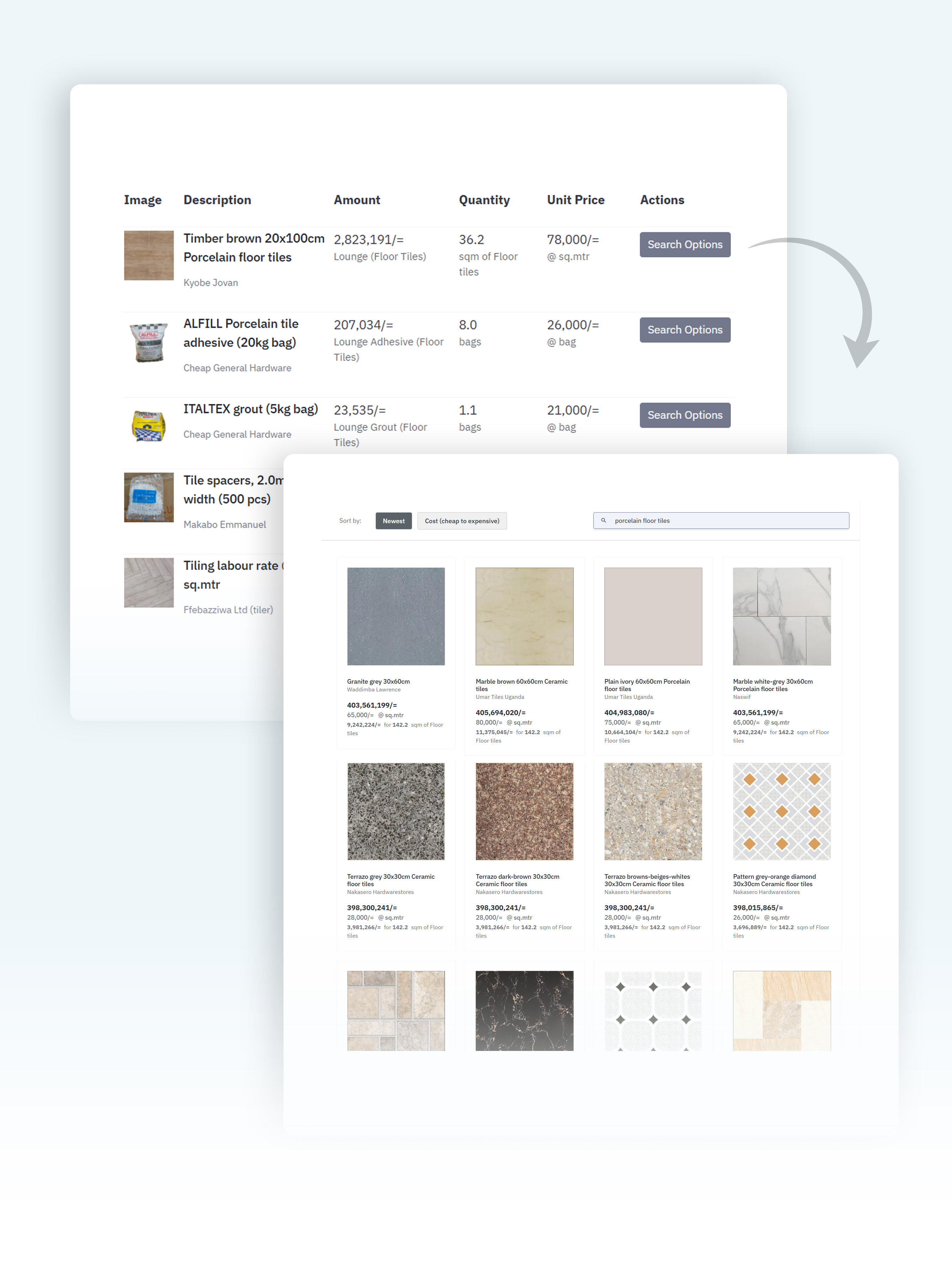
By capturing all building quantities, your searches for building materials will return instant quotes with exact amounts and costs for your project.

Save hours with an auto-generated draft list
Simply drag-and-drop your building plans. Digy analyzes them to instantly generate your initial material list, saving you significant time & effort.
By capturing all building quantities, your searches for building materials will return instant quotes with exact amounts and costs for your project.
For every project, get a 4-part forensic audit report that includes;
1. Executive Summary: High-level financial risk score and commercial viability profile.
2. Quantity Audit: Line-by-line identification of miscounted quantities.
3. Scope Audit: Pinpoints double-billed line items (e.g., formwork priced inside composite concrete rates and billed again as standalone items).
4. Material Schedule: Deconstructs the approved BOQ into exact cement bags, rebar, timber, sand e.t.c giving you an airtight procurement blueprint.
About Us
Digy was founded by Mpora Bernard (Founder & CTO) to help project funders and consultants audit building estimates (BOQs) automatically and accurately.
Connect with Mpora Bernard on LinkedIn. 



.png)